A good launch includes what happens before checkout, after delivery and when a customer needs a return. Use this free checklist to spot gaps before you spend more.
Reviewed October 27, 2026 • Educational information
Shopify update · October 26, 2026 · Reviewed October 27, 2026
AI shoppers may ask about your store. Are your answers correct?
Shopify now puts Knowledge base in Sales channels → Agentic → Knowledge base. Use this free checkup to compare your store information with its published sources before your next promotion. No signup or purchase required.
Check what is public
Storefront-scan suggestions start unpublished. Some admin-sourced facts, including policies and contact details, publish when created. Previously entered or edited app facts may have migrated and published automatically. Inspect each status; do not assume everything is a draft.
Published knowledge-base information is publicly accessible to AI channels. Review returns, shipping, pickup, contact details and gift services for accuracy. Correct the source page or setting as well as the fact when appropriate.
Using the old app?
The standalone Knowledge Base app retires January 15, 2027. Shopify says stores with more than 1,000 facts need to add the information they want to keep manually; check the notice in your account and official migration guidance.
Availability is described by Shopify as current. We have not tested this workflow in a merchant account. Accurate facts do not guarantee AI recommendations, traffic or sales.
Your five-fact review worksheet
Record the answer customers should receive, where you verified it, its observed publication status and the date you reviewed it. This worksheet stays in this browser tab and resets on reload. Download a CSV to keep your work. Do not enter customer or confidential information.
Compare tools only if you are choosing an online store. Existing merchants can complete the checkup without purchasing anything.
Affiliate disclosure: We may earn a commission if you purchase through our Shopify affiliate link. Confirm current features, fees and suitability. No discount or firsthand product review is claimed.
Your checkout policy links moved
Shopify announced on October 26, 2026 that checkout groups policies under one Terms and policies link. It opens a window where shoppers can choose a policy. Policy text remains unchanged and Shopify says no action is required.
This is an interface change, not a new legal requirement. As an optional customer-experience check, preview your checkout on a phone, open the link and confirm customers can find the policies you intend to display.
Effective October 23, 2026 · Source checked October 24
Shopify return-shipping tax: check the live workflow.
Shopify says its return-shipping tax update is now effective for merchants using Shopify Tax or Tax Platform on orders shipped to U.S. addresses. It was announced September 25, 2026. This is a platform implementation change, not a new nationwide tax law.
Tax appears as an estimate when creating a return; the final amount is recorded when the return is processed and included in tax reports. Existing shipping-tax settings still apply. If shipping is untaxed in a state under your settings, return shipping remains untaxed there.
Review manual workarounds. If you calculate, collect, import or reconcile this tax manually, check for double-counting. Shopify says no action is required if you do not use a manual workaround. Do not switch off tax collection or change state tax settings solely because of this post.
Verified against vendor documentation, not a firsthand return-processing test. Ask a qualified tax professional about your own tax settings and obligations.
A practical five-point check
Checkmarks are not saved or submitted. Print to retain your notes.
Shopify’s October 8, 2026 update supports automated return/refund, contact information, terms of service, shipping and legal notice policies. These update with store settings and Shopify recommendations. You remain responsible for your policies and compliance.
In the Shopify admin: Settings → Policies → select a policy → Use automated policy → Save. Review the text against your real practices before publishing or enabling it. We have verified the announcement; we have not independently tested this feature.
Check your shipping costs before the holiday sale.
UPS starts a new holiday demand-surcharge period on October 25, 2026. FedEx starts its next period on October 26. These are additional carrier charges, not total postage or new tax rules. Check the actual label quote and your account or platform terms.
Selected U.S. domestic package demand surcharges
Service
Initial period
Higher holiday period
UPS Ground Residential / Ground Saver
$0.50 per package Oct. 25–Nov. 21, 2026
$0.75 per package Nov. 22–Dec. 26, 2026
FedEx Ground Residential / Home Delivery
$0.50 per package Oct. 26–Nov. 22, 2026
$0.80 per package Nov. 23–Dec. 27, 2026
Selected services only. Air, oversized, additional-handling and qualifying high-volume shipments follow different schedules. Other fees may apply. These announced schedules are taking effect on the listed dates; they are subject to carrier changes.
Measure packed dimensions and weight. Quote one item, a mixed basket and a farther destination. Use the current all-in shipping quote, including any surcharge already included; do not add the fee twice. Compare the result with your flat shipping charge and free-shipping threshold.
Order contribution worksheet — USD. Enter 0 where a cost does not apply.
Order
Product revenue
Shipping collected
Product cost
Packaging
Current shipping quote
Selling / payment fees
Return allowance
Amount left
One item
Mixed basket
Farther destination
Amount left = product revenue + shipping collected − product cost − packaging − shipping quote − fees − return allowance. This is contribution before overhead, labor and income tax, not net profit. Exclude sales tax collected for remittance. Notes and amounts stay in this page, are not saved or submitted, and disappear when you leave.
Choose shipping tools after checking the workflow.
Your existing store or carrier account may be enough. For growing sellers, compare rate shopping, order imports, label printing, recurring software costs and any label-adjustment fees. Software does not remove carrier surcharges. Shopify documents flat, free and carrier-calculated shipping options; availability and setup requirements vary.
Features and availability vary by plan, tax service, carrier and rollout. Check the actual admin and current documentation before changing workflows.
Is Shopify the right next step?
Consider it for a product business
For sellers ready to evaluate a dedicated online store, compare the current plan, checkout, inventory and shipping capabilities against your needs. Review total costs, payment options and app requirements before subscribing.
A simple service business or an untested idea may need a basic website and demand test first. Independent direct sellers should check their supplier’s selling and branding rules.
Affiliate disclosure: Let’s Go SMALL may earn a commission if you sign up through this link. Our affiliate relationship does not guarantee suitability or results.
Let’s Go SMALL is a DBA of Vacation Ownership Marketing LLC. General education only, not individualized legal, tax, accounting or financial advice. Verify current platform features and official requirements for your business.
Handle custom orders and product questions
A short inquiry form can help with custom requirements or wholesale questions. Explain that sending a request does not place or confirm an order.
Affiliate disclosure: We may earn a commission if you purchase through our Jotform links, at no additional cost to you. Choose a tool that fits your business. How our links work.
Set up your books and invoices
Keep business records organized, send clear invoices and review what customers owe. Start with our free weekly checklist, then compare software for your workflow.
Affiliate disclosure: Let’s Go SMALL may earn a commission if you sign up or purchase through this link. Features, fees and availability vary by plan and region. How our links work. No purchase is required to use our guide.
Updated October 20, 2026 · Seasonal preparation
Shopify fulfillment: rehearse before the holiday rush.
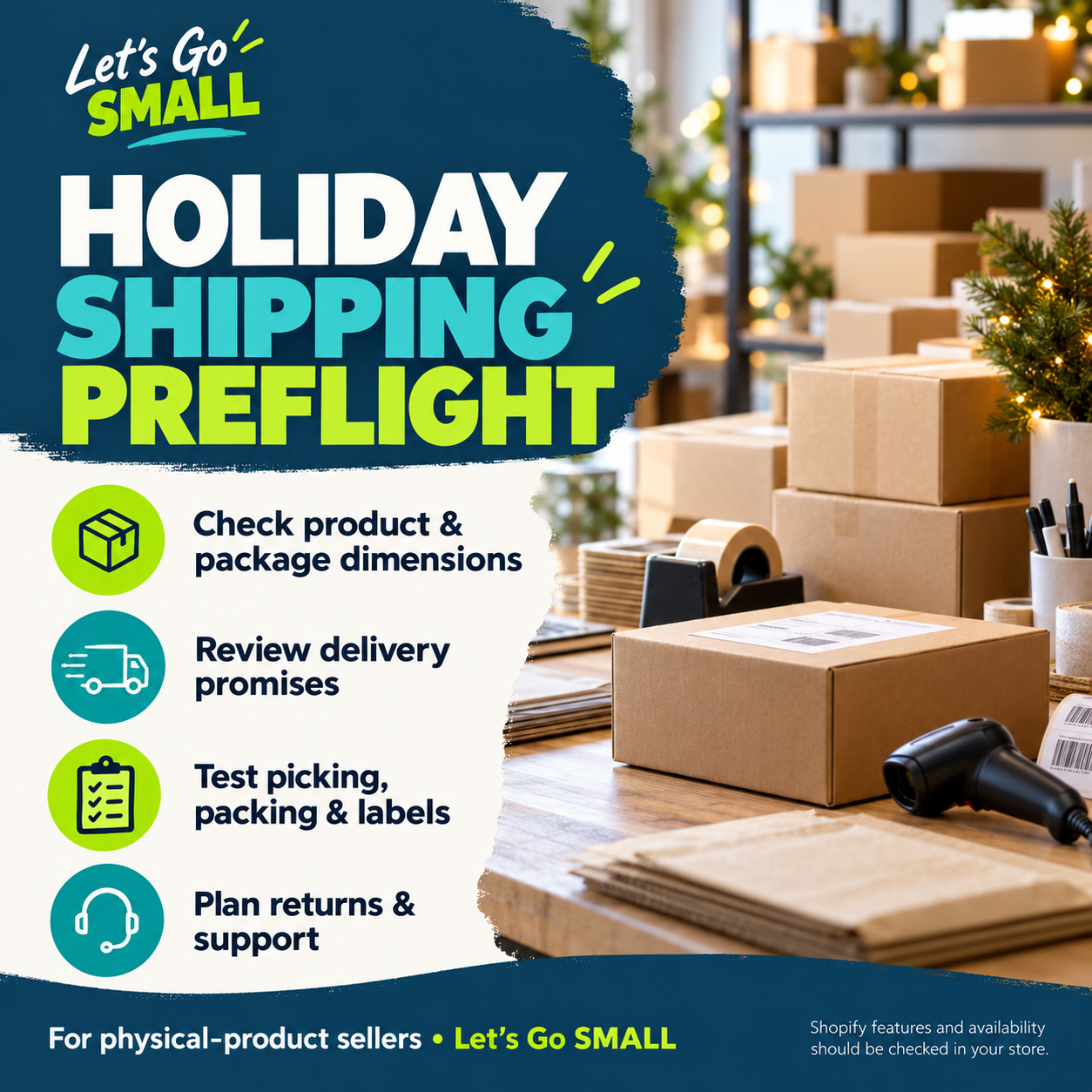
Use the holiday worksheet above, then check your store’s fulfillment workflow. Shopify’s October 1, 2026 feature guide describes batch fulfillment of up to 250 orders, scan-to-verify within batches and package selection using product dimensions. Confirm current eligibility, hardware and settings in your store.
This is a preparation guide based on vendor documentation, not a firsthand product test or a promise of results.
1. Data and delivery promises
Measure packed products, real packages and weight. Review rates for single and mixed baskets. Separate processing time from carrier transit; confirm the applicable carrier cutoff before advertising an order-by date.
2. Picking and packing
Rehearse with supported test or draft data. Check pick lists, quantities, barcodes and compatible scanner requirements before using a batch workflow. Keep a manual exception process for damaged, missing or mismatched items.
3. Labels and automation
Check addresses, package selection and carrier service before purchasing labels. Review any automation triggers and limits before enabling paid label purchases. Plan how to stop and correct an erroneous workflow.
4. Returns and handoff
Check customer messages, return instructions, refund records and bookkeeping exports. Record what your team does when a parcel is delayed, lost or returned. Use the free worksheet regardless of platform.
Affiliate disclosure: We may earn a commission if you purchase through our Shopify link. No purchase is required to use this checklist. Verify current plans, fees and feature availability; no discount or commission rate is promised.
Work through inventory spending, shipping, returns and when payments arrive before committing to stock. Start with our free worksheet; consider LivePlan if you need a more detailed business plan and financial forecast.
Referral disclosure: Let’s Go SMALL may receive a reward if you sign up through this link. LivePlan is optional. No purchase is required to use our free resources. A plan does not guarantee funding or satisfy registration, licensing or tax requirements. How our links work.
November 2026 planning resource
Get ready for Small Business Saturday.
November 28 is approaching. Use five practical checks covering your offer, mobile customer journey, fulfillment, promotion and contact details. Includes a free printable checklist and November action plan.