Before your first hireFiling payroll taxes.
Depositing payroll taxes.
Two separate duties. One practical starting checklist.
Reviewed October 18, 2026 • Federal overview with Pennsylvania callouts
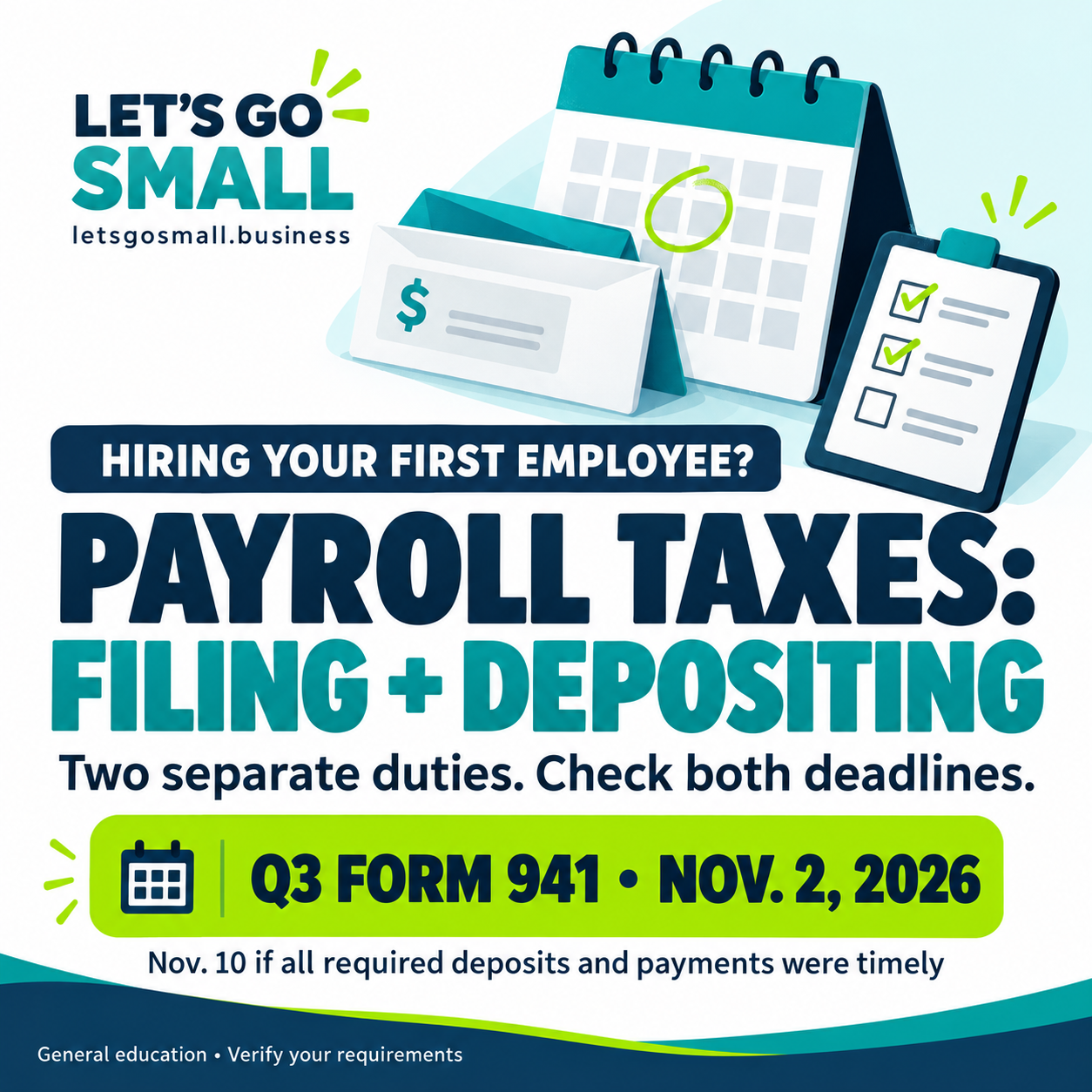
Know which deadline you are tracking.
File the return
Form 941 generally reports quarterly wages and employment taxes for employers required to use it. The IRS lists November 2, 2026 for the third-quarter return. Employers that timely deposited and paid all required amounts have until November 10. Other forms, exceptions and disaster relief may apply.
Deposit the tax
A quarterly return deadline does not generally let you wait until that date to deposit payroll tax. Monthly and semiweekly schedules use IRS lookback and other rules; “semiweekly” does not mean your pay frequency. The $100,000 next-day rule and limited small-liability exceptions require separate review.
Before the first paycheck
- Resolve employee versus contractor status under applicable federal and state tests.
- Obtain required tax IDs and employer accounts; collect Form W-4 and complete employment-eligibility procedures on time.
- Confirm wage/hour rules, deductions, pay statements, new-hire reports and workers’ compensation.
- Determine deposit requirements, authorize the payroll provider and retain access to your tax accounts.
- Reconcile payroll records, provider confirmations, bank payments and filed returns. Outsourcing payroll does not remove the employer’s responsibility.
Pennsylvania: check state and local accounts
Review PA withholding, unemployment and new-hire reporting. Ask the appropriate local collector about Earned Income Tax and Local Services Tax using each employee’s residence and actual work location. Confirm workers’ compensation requirements before hiring.
Official starting points
Pennsylvania launch checklist Check launch readiness
Educational information only, not individualized legal, tax or payroll advice. Confirm the form, filing and deposit rules for your business with the IRS and a qualified adviser. This page does not determine classification, tax liability or eligibility for relief.
Optional tool for your first hourly team
Compare Homebase when employee admin becomes a real task.
Follow the five-step Homebase walkthrough and cleaning-crew example ↓
Homebase brings employee scheduling, time tracking and payroll options into one platform. It is worth evaluating when you are hiring hourly employees and need a repeatable handoff from recorded hours to payroll.
Start with your process
- Confirm who approves schedules, hours and corrections.
- Test a sample workweek, including breaks and overtime.
- Define who reviews payroll before it is submitted.
Check before choosing
- Current plan limits, payroll charges and add-ons.
- Support for your work locations and payroll needs.
- Exports, permissions and accountant access.
A solo owner without employees may not need a team-management subscription. Software does not determine worker classification or remove employer responsibilities. Confirm setup and tax handling with an appropriate adviser.
Product reference: Homebase’s current product overview. Features and availability depend on plan and location; review current terms before subscribing.
Explore Homebase — affiliate link ↗
Affiliate disclosure: Let’s Go SMALL may earn a commission when you complete qualifying actions through our Homebase link. Homebase is optional; our free resources do not require a purchase. How our links work.
Practical walkthrough · Reviewed October 20, 2026
Your first week using Homebase.
Use this sequence to move from a staff list to a schedule and reviewed hours. It is for an owner coordinating hourly employees—for example, a cleaning crew, lawn-care team, shop or café. A solo operator with no hiring plan may not need it. Businesses with complex dispatch, job costing or multi-location requirements should test those needs separately.
This is an educational workflow based on Homebase’s official resources, not a firsthand account demonstration. Screens, labels and features may vary by plan. Payroll requires its own setup and applicable charges; creating a schedule does not activate payroll.
See the cleaning-crew example ↓ · Use the first-week checklist ↓
Add your team and choose who manages it.
Create your business account, then use the team setup area to add employees and invite them to join. Homebase documents individual entry, bulk entry and supported imports. Check names and contact details and give each person only the access their role needs. Use Homebase’s secure onboarding for employee information.
Ready to continue: Each person can access the correct business, and the owner knows who maintains the roster.
Official help: add your team ↗
Collect availability before assigning shifts.
Ask employees to provide the days and hours they can work and any time-off needs. Agree on who approves requests and how much notice you need. Check availability against your real workload; a blank calendar should not be treated as unlimited availability.
Ready to continue: You have confirmed coverage for the work you plan to accept.
Official overview: availability and scheduling ↗
Build a draft schedule, review it, then publish.
Enter the shifts your team actually needs, assign staff and check coverage and conflicts. Review the dates before publishing. Homebase can notify staff when the schedule is published. If you copy a week or apply a template, check the new dates and availability; a template remains a draft until published.
Ready to continue: Employees can see their shifts and know how to raise a scheduling problem.
Official guide: build and publish a schedule ↗ · Copy schedules and templates ↗
Teach the clock-in routine and review actual hours.
Choose supported clock-in methods and explain how employees record work, breaks and missed punches. In Timesheets, review the correct dates, missing entries and items needing manager review. Ask the employee about unclear records and document accurate corrections. Scheduled hours are a plan; they are not proof of hours actually worked.
Ready to continue: Recorded hours reflect the work performed, with unresolved questions addressed.
Official help: review time cards ↗ · Review missed clock-ins ↗
Prepare payroll or a verified export.
If you choose Homebase Payroll, complete business, tax, employee and funding setup before the first run. Confirm the pay calendar, processing deadlines and authorized reviewer. Homebase requires two-factor authentication for payroll administrators. Review people, dates, hours, rates and the full payroll summary before authorizing a live payment.
If you use another payroll provider, check whether a supported export or integration carries the information it needs. Reconcile the transferred hours and totals. A downloadable timesheet is not itself a filed return or a completed payroll payment.
Ready to continue: The responsible person has reviewed the payroll or export, and knows what remains to submit and verify.
Official help: payroll setup ↗ · Run a regular payroll ↗ · Export timesheets ↗
Example: a cleaning business with two employees.
Fictional planning example: The owner has two employees and a Monday morning cleaning assignment. This shows the workflow, not a customer result, payroll calculation or Homebase screen.
From confirmed availability to reviewed work records| Stage | Owner’s action | What to verify |
|---|
| Before the week | Confirm both employees are available Monday morning. | Capacity matches the assignment and travel plan. |
|---|
| Schedule | Draft and publish a 9 a.m.–noon shift for each employee. | Both can see the published shift. |
|---|
| After the visit | One employee reports a missed clock-out; discuss it and correct the record to reflect actual work. | Review all work time, breaks and travel treatment under applicable rules. |
|---|
| Before payday | Review the pay-period records and prepare payroll or a supported export. | Dates, people, hours and rates agree with the records. |
|---|
Keep customer addresses, access codes and job instructions in the appropriate secure job system. Jobber may support the customer/job side while Homebase supports staff administration; compare existing features and verify any data handoff before using both.
Your first-week checkpoint.
- Team members can access the account with appropriate permissions.
- Availability is confirmed and the correct schedule is published.
- Employees understand clock-ins, breaks and corrections.
- The owner reviews actual hours and resolves questions.
- Payroll setup or export compatibility is verified before live use.
- Payroll confirmations and records are checked and retained.
Rehearse the workflow on paper first. Do not use invented tax IDs, connect a bank account or submit a live payroll merely to test this guide. For mobile crews, verify location support and how required travel time will be recorded. Software does not decide worker classification, wage rules or tax obligations.
Explore Homebase — affiliate link ↗
Affiliate disclosure: Let’s Go SMALL may earn a commission from qualifying actions through this link. No purchase is required to use this guide. Verify current pricing, plan limits and payroll terms with Homebase. How our links work.
Federal update · Checked October 20, 2026
New IRS card-payment rules do not mean fee-free payments.
A final regulation effective October 19, 2026 permits additional card-processing arrangements and recovery of associated fees. It does not itself implement a particular payment service.
Check the current IRS options for your payment type before paying. Processing fees and restrictions can apply. Federal tax deposits cannot be paid by card; paying a return balance is separate from meeting deposit obligations.
Official final rule ↗ · Current IRS card-payment guidance ↗ · Employment-tax deposit guidance ↗
General education, not individualized tax advice. Use IRS.gov for current payment instructions; do not infer that every tax can use the same payment method.
Optional tools / choose for your next task
Compare payroll support before the first paycheck.
If calculating pay and coordinating tax filings are your main challenges, compare a dedicated payroll option alongside tools for staff schedules and time tracking.
Make the next payday easier to manage.
Patriot Payroll is an option for employers comparing payroll calculations, employee payments and records. Basic Payroll and Full Service Payroll handle different responsibilities; Full Service includes payroll tax filing and deposits after the required setup.
Before choosing: Check your worker types, work locations, tax account setup, pay schedule and total monthly cost including workers and add-ons. Basic Payroll does not include the Full Service tax-filing service. Employers still need to review payroll and confirm filings.
Compare Patriot Payroll ↗Affiliate disclosure: Let’s Go SMALL may earn a commission from qualifying actions through the Patriot Software or Bubble links in this section, at no additional cost to you. No purchase is required to use our guides. These are feature-based options to compare, not firsthand product reviews. How our links work.
Dated reminder · Checked October 26, 2026
Q3 Form 941: check the filing confirmation.
For employers required to file Form 941, the third-quarter 2026 return is generally due November 2, 2026. Qualifying employers who timely deposited and paid all required taxes have until November 10, 2026 to file. This is an existing filing schedule, not a new tax rule.
Filing and depositing are separate duties. The later filing date does not extend tax-deposit deadlines. Check any applicable disaster relief and your business’s filing requirements.
- Confirm who is responsible for the return and which deadline applies.
- Reconcile payroll records, deposits and the prepared return.
- Retain the submission acceptance and payment confirmations, including when a provider handles the work.
IRS fourth-quarter calendar · Form 941 and official instructions
Switching payroll before the new year?
Use our free 16-step checklist to organize records, confirm filing responsibilities and verify the first payday. Review the optional Homebase offer and its deadlines.
Get the payroll-switching checklist →