
Contractors and home services
Ask for service type, service area, preferred timing and a short project description. Add optional project photos when helpful. A request is not a confirmed quote or appointment.
Get ready for your first customer
A customer inquiry form helps you collect the details needed to respond. Use this guide to build a quote request, consultation request or customer intake form—and connect it to a follow-up process.
Affiliate disclosure: We may earn a commission if you purchase through our Jotform links, at no additional cost to you. Choose a tool that fits your business. How our links work.
Ask for service type, service area, preferred timing and a short project description. Add optional project photos when helpful. A request is not a confirmed quote or appointment.
Ask about the customer's goal, current challenge, scope and preferred contact method. Use the answers to prepare for an introductory conversation.
Collect custom-order requirements, quantities, event interest or registration details. Explain availability and the next step before promising a price or reservation.
Interactive example
This is a local demonstration, not a live contact form. Nothing is sent or saved. Use fictional details. The preview shows what a business could receive; it does not create a Jotform account or a working form.
Example confirmation: “Thanks for your request. We’ll review your details and contact you about next steps. This does not confirm a booking or final price.”
Affiliate disclosure: We may earn a commission if you purchase through our Jotform links, at no additional cost to you. Choose a tool that fits your business. How our links work.
Jotform offers form creation, templates and related workflow tools. Check current submission, storage, upload, branding and payment limits before choosing a plan. You may be able to start with a free plan; paid features and limits vary.
Record the request, owner, next action and follow-up date. A form captures an inquiry; your process turns it into a conversation.
Build your customer follow-up process →Customer inquiry formsAn inquiry does not automatically mean someone wants a newsletter. Use a separate, optional marketing signup and explain what subscribers will receive.
Plan permission-based email follow-up →Track form visits, completed inquiries, qualified inquiries, response time and customers won. Improve unclear questions or unnecessary required fields.
Check your next launch priorities →Consider an agent when visitors have recurring questions or need help completing an inquiry. Jotform AI Agents offers conversational assistance and appointment-related workflows. Start with approved FAQs, service areas and clear instructions for reaching a person.
Test unknown questions, incorrect details and requests outside your scope. Keep prices, availability and promises grounded in information you can maintain. Review current agent pricing and usage limits separately from form plans.
Affiliate disclosure: We may earn a commission if you purchase through our Jotform links, at no additional cost to you. Choose a tool that fits your business. How our links work.
A form collects information. A CRM helps manage contacts, conversations and follow-up. Decide which handoff you need, then verify any integration before relying on it.
Only add payments when you have clear prices, cancellation and refund terms, and a suitable payment provider. Review provider fees and Jotform plan limits first.
A basic inquiry usually needs very little. Avoid requesting payment-card details, identity documents or private records through an ordinary inquiry form. Review privacy, security and any industry-specific requirements before collecting more.
Product references: Jotform Form Builder and Jotform AI Agents. Reviewed October 16, 2026. Features and plans can change.
Start a business · 30-day launch plan · All tools and resources
A standalone inquiry form can be enough to collect a lead. If your cleaning, landscaping or contracting business also needs quotes, scheduling and invoices, compare Jobber’s built-in work-request workflow.
Start with one intake method and test it end to end. Do not assume Jotform and Jobber connect automatically; verify any integration before relying on it.
Explore Jobber — affiliate link ↗
Affiliate disclosure: Let’s Go SMALL may earn a commission if you sign up or purchase through this link, at no additional cost to you. Features, pricing and any promotions depend on the current plan and offer terms. How our links work.
Use service-specific examples, local visibility and a practical follow-up checklist for contractors, cleaners, landscapers, plumbers, electricians and HVAC businesses.
Open the home-service marketing guide →Updated October 21, 2026 · Jotform App Builder announcement
Jotform’s October 20 announcement describes building and editing apps through ChatGPT or Claude. Its examples bring forms, FAQs, documents and contact links together. Use a simple form for one request; consider a hub when customers repeatedly need several related resources.
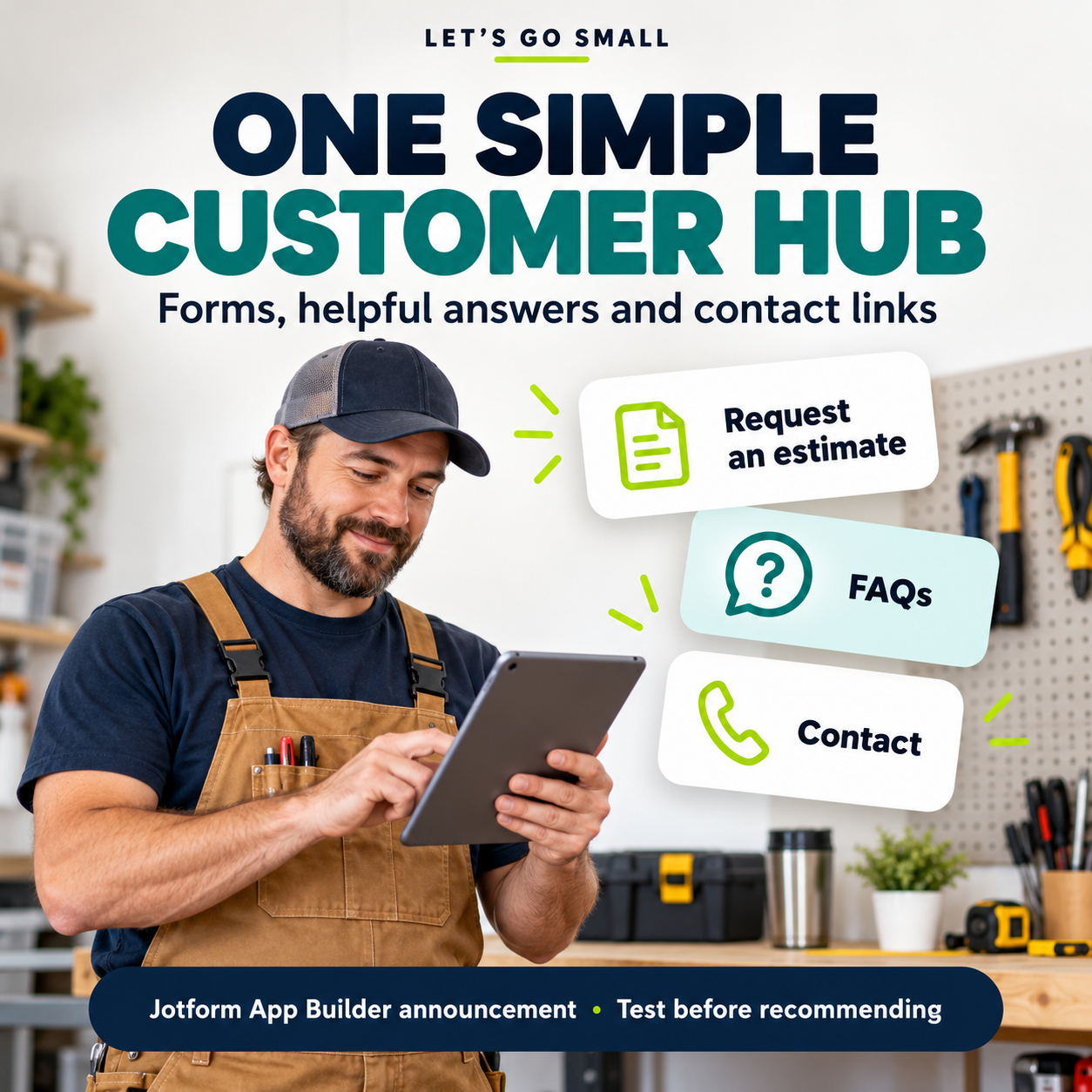
Illustrative prototype: the example below was built by Let’s Go SMALL to explain the workflow. It is not running on Jotform and is not evidence that we tested Jotform’s new integration. Entries stay on this page and are not sent, saved or used for marketing. Use fictional details only.
No submission is sent. A real business must review the request before quoting or scheduling.
A real business should explain its response process and availability. An estimate request is not a confirmed appointment or price.
A short description, general location and preferred timing. Ask for photographs only when useful, and explain how uploads will be handled.
For this fictional example: hello@example.com. It is a placeholder, not an operational support address. In your own hub, show your real business contact details and service area.
Create an illustrative customer resource hub for the fictional Pine Creek Home Services. Include an estimate-request form, a FAQs page, preparation instructions, and contact information using example.com placeholders. An inquiry must not confirm a price or appointment. Use fictional sample data only. Do not enable payments, marketing subscriptions or automated customer messages. Explain form limits, notification settings and which pages are public before publishing. Let me preview the hub on mobile and desktop.
Testing status: Jotform integration, live submissions, notifications, access rules and plan limits remain unverified. The prototype explains the journey; it is not a tested product review.
Explore Jotform — affiliate link ↗
Affiliate disclosure: Let’s Go SMALL may earn a commission if you purchase through our Jotform link. No purchase is required to use this guide. We use our existing partner link; attribution for an App Builder-specific link has not been separately verified.
For the person behind the chair
Our hairstylist marketing guide covers building clientele, easier booking, appointment timing and rebooking—with free templates and a day-capacity planner.
Explore marketing for hairstylists →Compare simpler tools first, explore practical Bubble use cases, and create a free printable first-app brief.
Plan your first business app →