Free planning resource · Updated November 1, 2026
Get your business ready for November 28.
Start with five readiness checks for Small Business Saturday. Then define the offer, schedule the work, check the margins and plan the ending. Use this worksheet with any sales platform. No purchase, signup or software integration is required.
Use the November checklistCheck holiday shipping costsDownload free planning CSVYour notes stay on this page and are not saved or sent. Print before closing.
November readiness check · Updated November 1, 2026
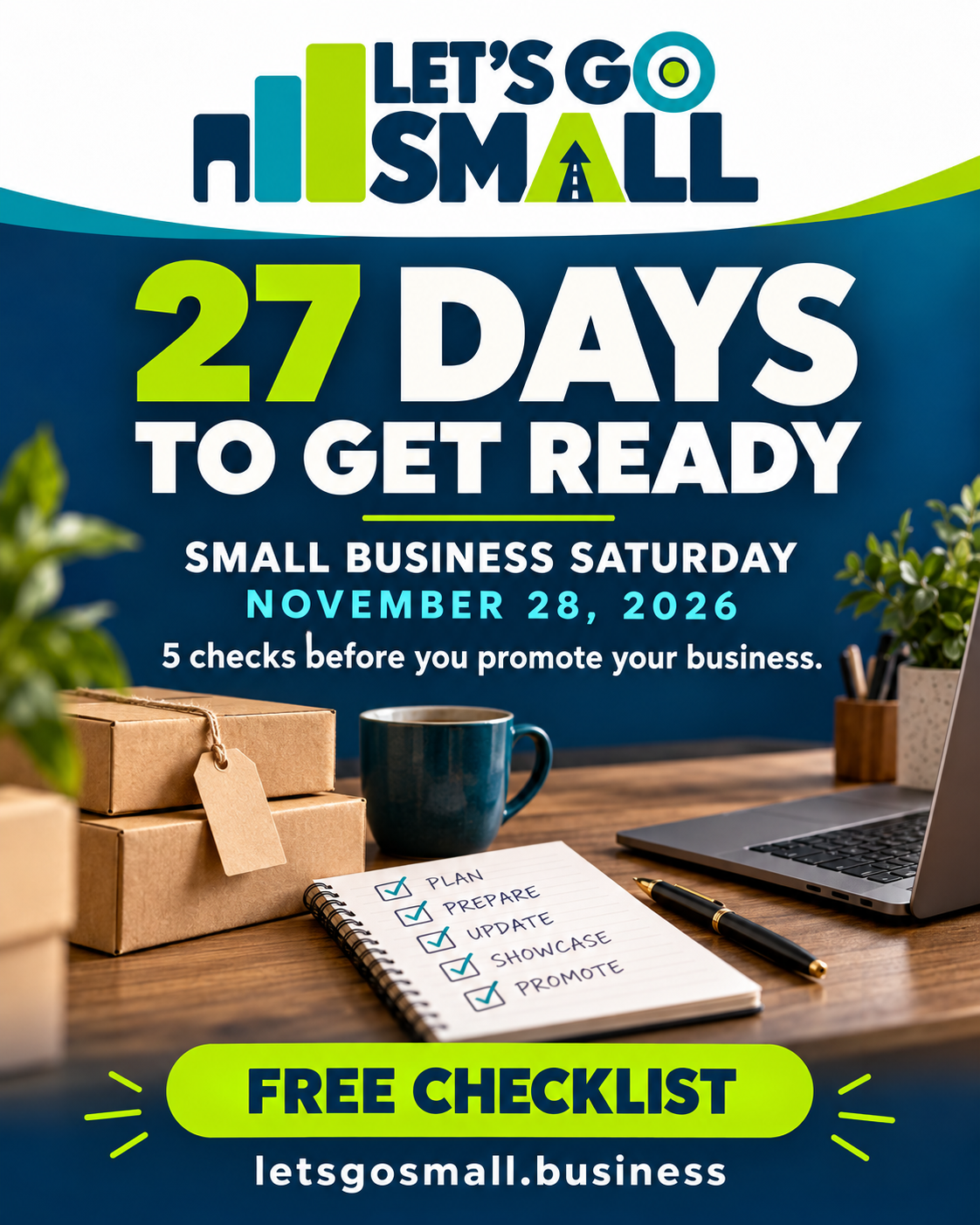
Small Business Saturday is November 28. Get ready in five steps.
For local shops, online sellers and service businesses: make one useful offer, confirm you can deliver it, and give customers a clear next step. Use the checklist with the tools you already have.
Download the free printable checklistSee the November action plan
1. Choose one clear offer
2. Test the mobile journey
3. Confirm you can deliver
4. Prepare your promotion
5. Make the next step obvious
Checkmarks stay in this open page only. They are not stored or submitted. Download the blank PDF to keep a printed plan.
Your November action plan
Nov. 1-7: Set the basics
Choose the offer, check the costs, test the phone journey and confirm availability.
Nov. 8-14: Prepare
Write your page, email and social drafts. Check every link and agree who will respond.
Nov. 15-21: Rehearse
Review fulfillment, appointment capacity and exceptions. Confirm your plan if something goes wrong.
Nov. 22-28: Deliver
Publish your planned updates, verify the live offer, and track inquiries or orders. Review results afterward.
Upcoming Pennsylvania training
Gannon University’s online Shop Small Success session is listed for November 10, 2026, noon-1 p.m. Eastern. The session covers goals, customer targeting, social/email promotion and preparing an online or physical storefront. Check the organizer’s listing for registration and any updates.
View the SBA event listing and registration link ↗
Set the order deadline before the carrier deadline.
USPS has published its recommended 2026 holiday send-by dates. Those dates concern handing over mail and packages; your customer order cutoff also needs time for preparation and packing. Choose the service and destination first, check the current recommendation, and allow for exceptions. Actual delivery dates can vary.
Check official USPS holiday recommendations ↗ · Check the cost of fulfillment →
Choose tools after you map the job.
For product sellers, use our online-store launch guide to evaluate Shopify and test the complete order journey. For customer follow-up, use our email-marketing guide to compare permission-based workflows. Check total costs, suitability and the provider’s current terms before signing up.
Affiliate disclosure: These guides include affiliate links. Let’s Go SMALL may earn a commission if you purchase through them. No purchase is required to use this checklist. This resource is planning guidance; we have not tested a new software workflow for it.
Follow Let’s Go SMALL on Facebook ↗SBA: event date and free marketing-material links ↗
Carrier schedules checked October 25, 2026
Check your shipping costs before the holiday sale.

UPS starts a new holiday demand-surcharge period on October 25, 2026. FedEx starts its next period on October 26. These are additional carrier charges, not total postage or new tax rules. Check the actual label quote and your account or platform terms.
| Service | Initial period | Higher holiday period |
|---|---|---|
| UPS Ground Residential / Ground Saver | $0.50 per package Oct. 25–Nov. 21, 2026 | $0.75 per package Nov. 22–Dec. 26, 2026 |
| FedEx Ground Residential / Home Delivery | $0.50 per package Oct. 26–Nov. 22, 2026 | $0.80 per package Nov. 23–Dec. 27, 2026 |
Selected services only. Air, oversized, additional-handling and qualifying high-volume shipments follow different schedules. Other fees may apply. These announced schedules are taking effect on the listed dates; they are subject to carrier changes.
UPS official schedule (updated August 26, 2026) · FedEx official schedule (domestic table dated July 22, 2026)
Quote three real packed orders.
Measure packed dimensions and weight. Quote one item, a mixed basket and a farther destination. Use the current all-in shipping quote, including any surcharge already included; do not add the fee twice. Compare the result with your flat shipping charge and free-shipping threshold.
| Order | Product revenue | Shipping collected | Product cost | Packaging | Current shipping quote | Selling / payment fees | Return allowance | Amount left |
|---|---|---|---|---|---|---|---|---|
| One item | ||||||||
| Mixed basket | ||||||||
| Farther destination |
Amount left = product revenue + shipping collected − product cost − packaging − shipping quote − fees − return allowance. This is contribution before overhead, labor and income tax, not net profit. Exclude sales tax collected for remittance. Notes and amounts stay in this page, are not saved or submitted, and disappear when you leave.
Download blank CSVChoose shipping tools after checking the workflow.
Your existing store or carrier account may be enough. For growing sellers, compare rate shopping, order imports, label printing, recurring software costs and any label-adjustment fees. Software does not remove carrier surcharges. Shopify documents flat, free and carrier-calculated shipping options; availability and setup requirements vary.
Shopify shipping-rate documentation · Pirate Ship’s UPS surcharge explanation
Plan the complete promotion → · Review returns and the full store checklist →
Plan a complete offer.
Your promotion checklist
Checkmarks are not saved or submitted. Print to retain your notes.
Vendor feature announced October 23, 2026
Where Shopify Rollouts may help
Shopify added catalog changes to Rollouts: merchants can schedule catalog activation or switching, test offers and coordinate them with other store changes. Rollouts is available on Basic or higher; experiments require Grow or higher. Staff permissions, theme compatibility, catalog limits and other requirements apply.
Documentation-based guidance—not a tested tutorial. We have not independently tested Rollouts in a Shopify store. Before relying on it, use a suitable test environment and follow the current official instructions.
Check the ending
A Launch makes changes permanent. An Event ends after a set period. Catalog changes made during an Event remain saved; ending an Event does not restore an earlier catalog copy.
Check every channel
POS and product feeds can revert on their next sync. Experiments or partial-audience rollouts may show different offers from other channels. Verify ads and customer-facing prices.
A safe evaluation plan
- Confirm plan, staff permissions, theme and catalog eligibility.
- Document the expected start/end state and stop conditions using sample products.
- Rehearse both launch and ending in a supported test environment. Do not experiment on a live customer sale just for a tutorial.
- Record results before recommending the workflow. Keep the manual plan above as your fallback.
October 23 announcement · Official Rollouts guide · Plan requirements and limitations
Choose the platform for your business.
Shopify may fit product sellers who need a dedicated store, checkout, inventory and promotion workflows. Compare total costs, required apps, payments and available features before subscribing. An untested idea or service business may need a simpler demand test or website first.
Affiliate disclosure: We may earn a commission if you sign up through our Shopify link. No purchase is required to use this worksheet; our partnership does not guarantee suitability or results.
Explore Shopify · affiliate link ↗Return-shipping checklist →Bookkeeping guide →